
CalCal
See every plan
as you scroll.
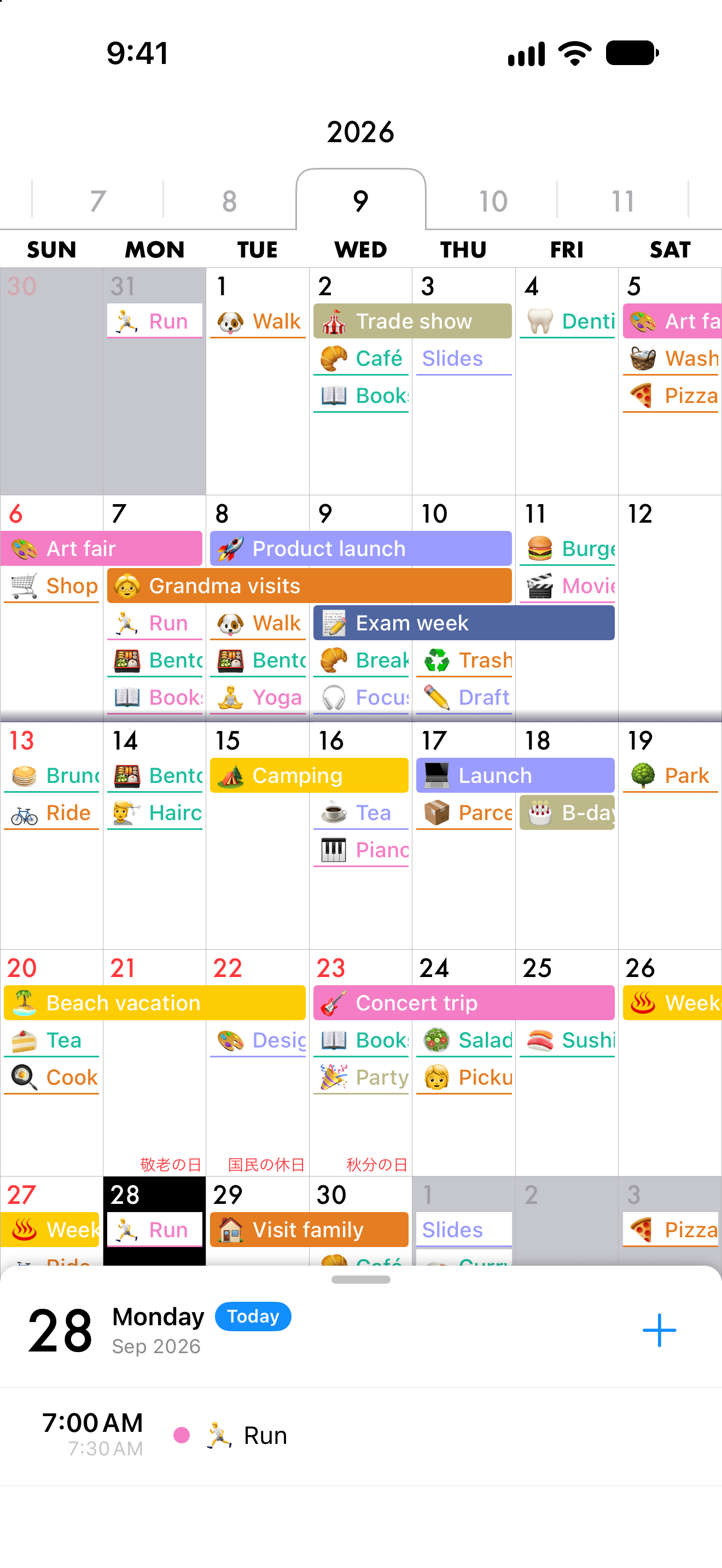
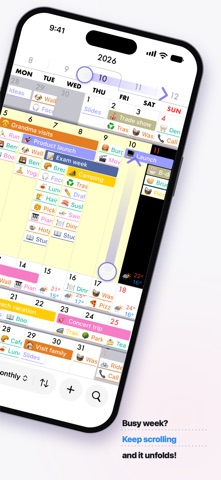
Busy week? Just keep scrolling, and it pops open right inside the month.
CalCal
Busy week? Just keep scrolling, and it pops open right inside the month.
Each week scrolls on its own. At the last event, just keep scrolling.
Pop-open UI
Every week in the month view scrolls on its own. Reach the last event and keep scrolling: that week opens up in place. Scroll the same way to close it.
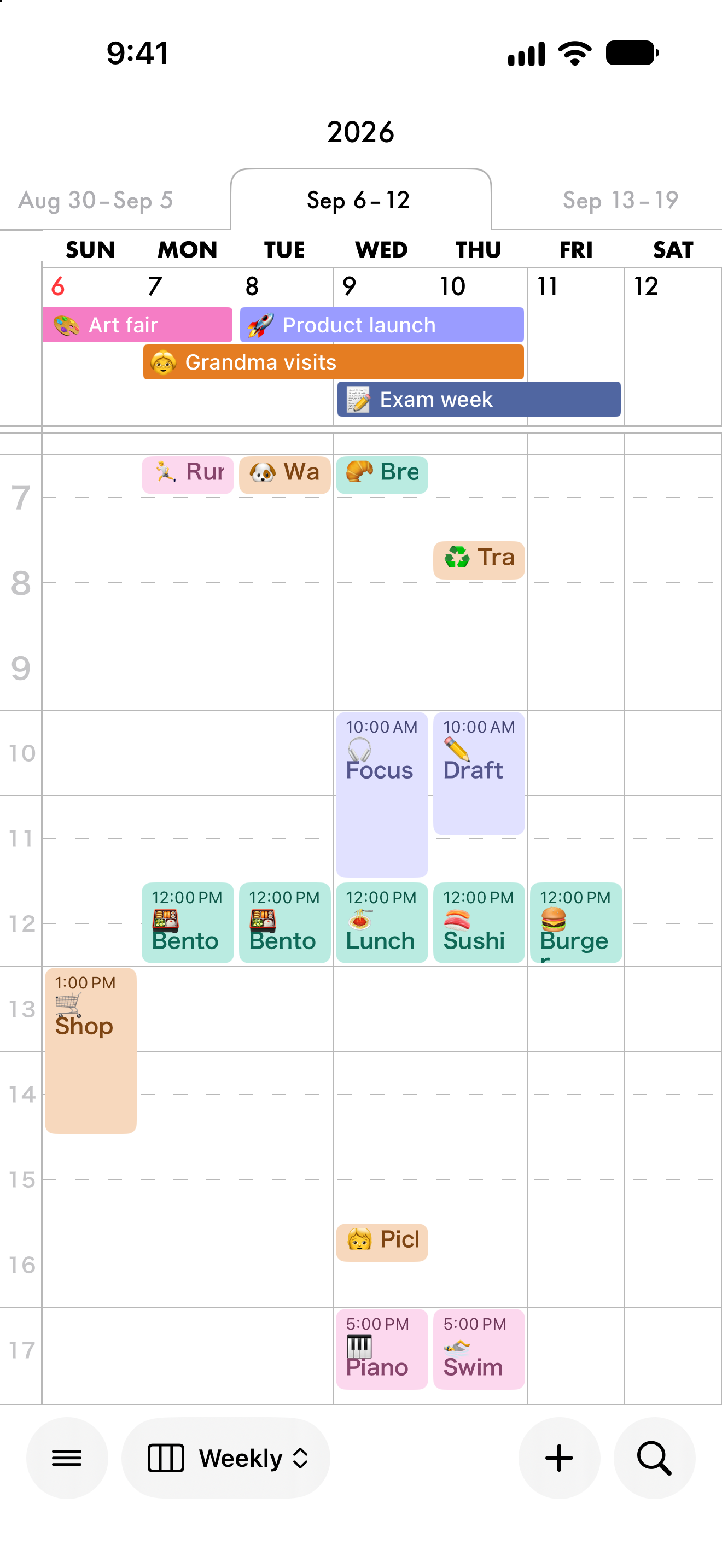
Drag
Press and drag an event to another day or time. In month, week, 3-day, and day views.
Weather
See when rain is likely, plus sunrise and sunset, right beside your events.
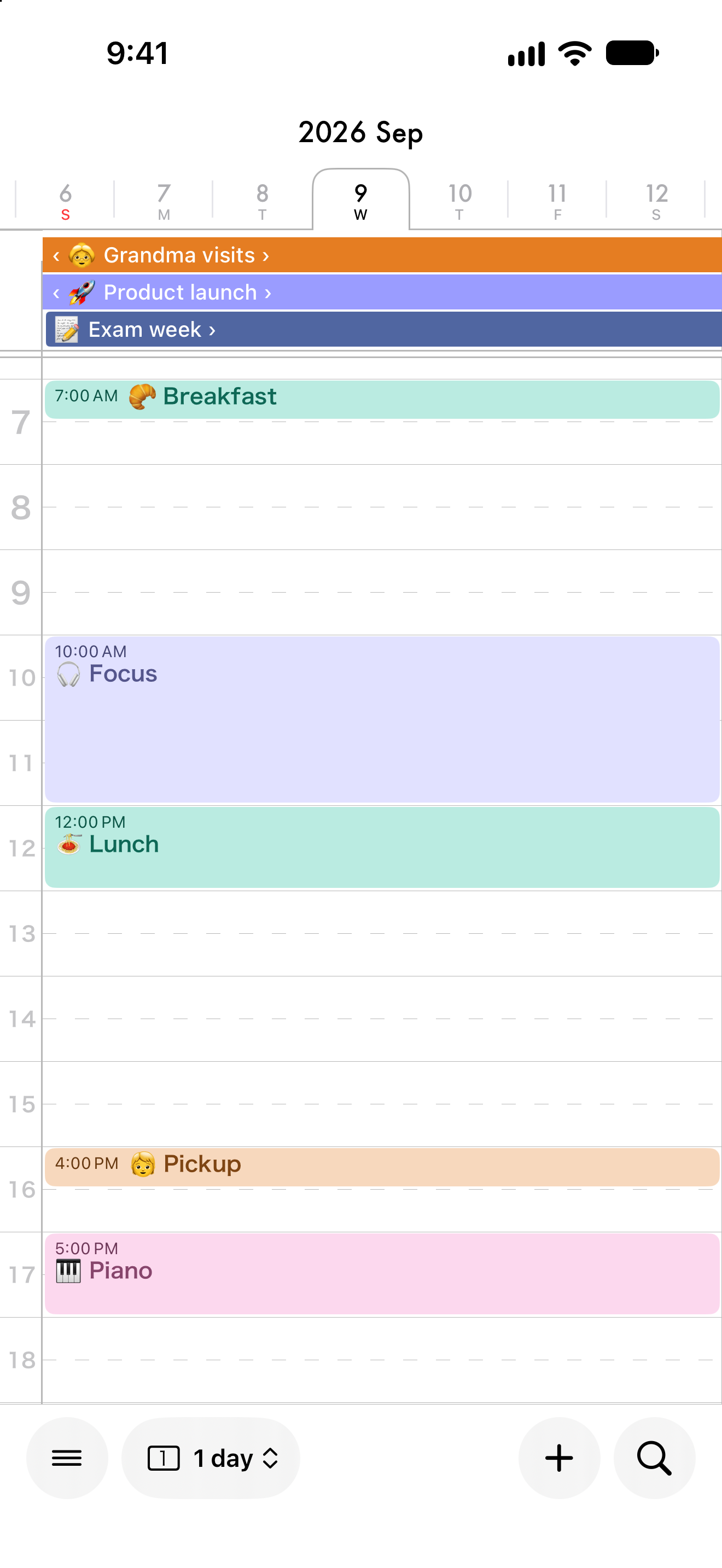
Pinch
Pinch in for the details of a day. Pinch out for the whole month.
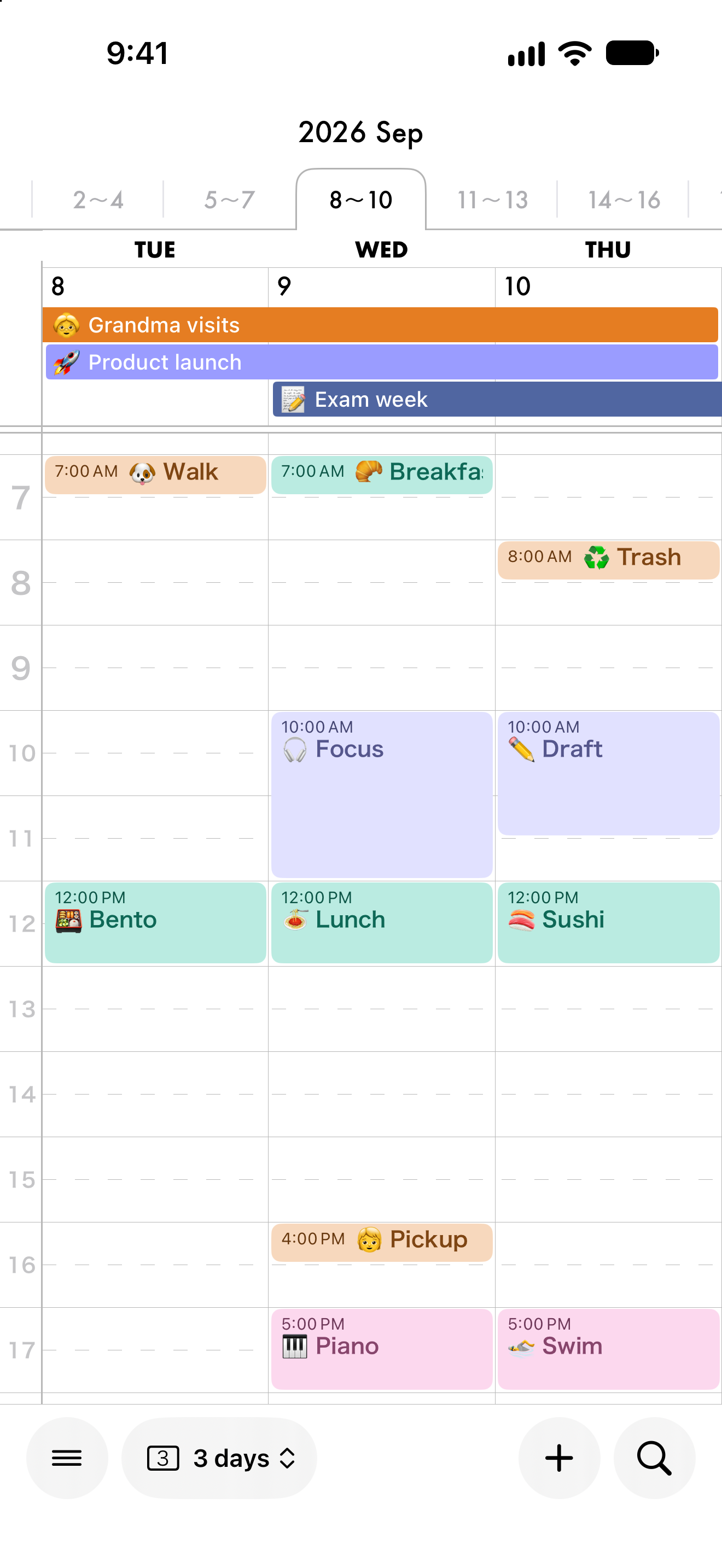
Adjust text size and colors with a live preview. CalCal uses your iPhone calendars, so you can start right away.
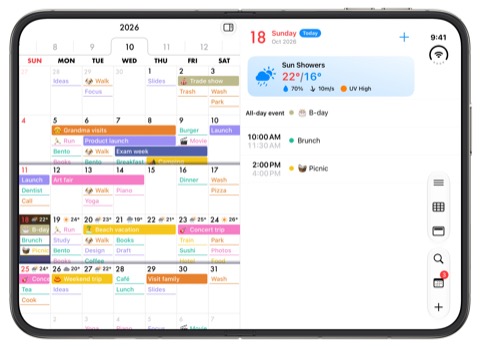
On iPad and iPhone Duo, the day’s events appear right next to the calendar.

Want more? Get CalCal PRO, a one-time purchase.
“In a month calendar, busy days never fit in their cells, so I kept opening one day after another. If I could see a busy week without leaving the month, I would never miss a thing. That is why I built CalCal.”
— Teruto Yamasaki, iOS engineer, building CalCal since 2020